Deleting Old Estimates
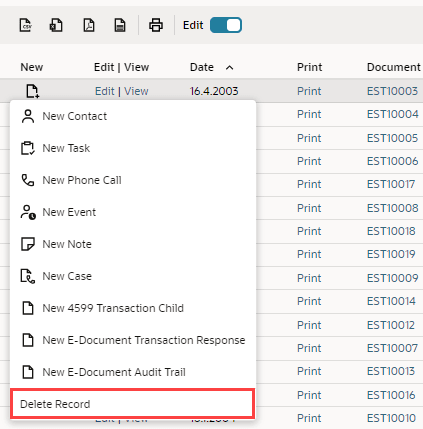
If you no longer need a prepared estimate, you can delete it from the Estimates list. Go to Transactions > Sales > Prepare Estimates > List. If you have inline Edit enabled, click Delete Record from the Create New menu. Alternatively, click Edit next to the estimate and then click Delete on the Actions list in the estimate record.
For information about deleting opportunity records, see Creating an Opportunity Record.