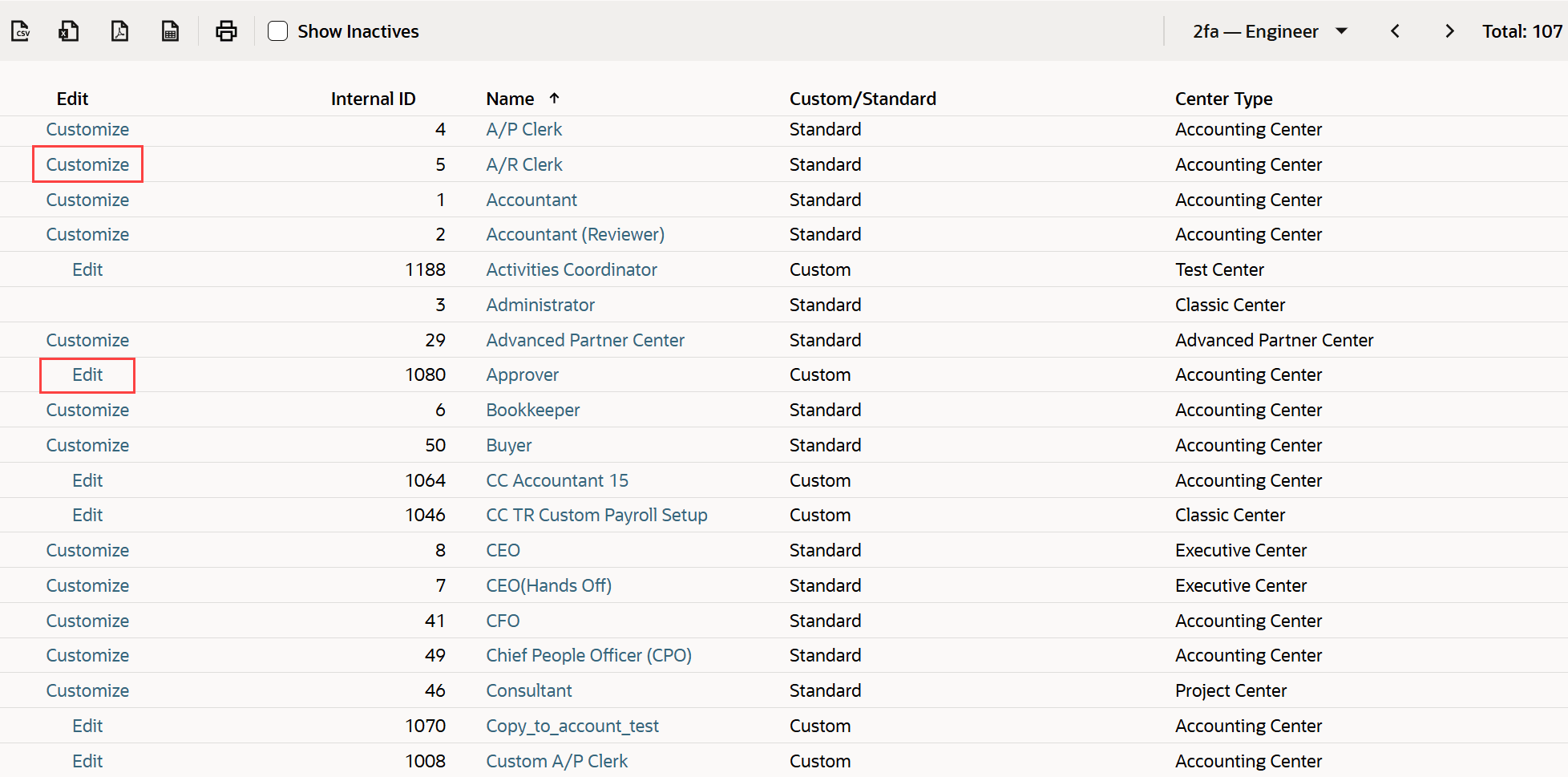
Manage Roles Page
To see a list of roles available in your account, go to Setup > Users/Roles > Manage Roles to open the Manage Roles page. This page shows the center associated with each role and whether the role is standard or custom. For information about center types, see Centers Overview.
Click Customize to create a custom version of a standard role. Click Edit to make changes to a custom role.