Age as of
An Aging Options button  on the footer provides options for aging reports.
Click the Aging Options button, and a box opens with options for aging.

When you click the Age As Of dropdown arrow, a list of selectors appear.
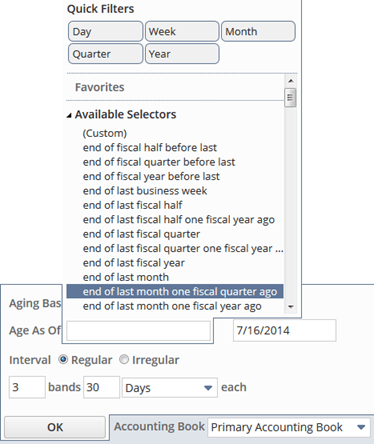
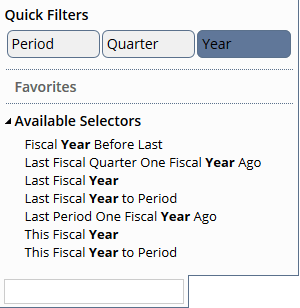
You can use Quick Filters to filter selectors by Period, Quarter, or Year. For example, if you select the Quick Filter of Year, the list includes only selectors containing the word Year.
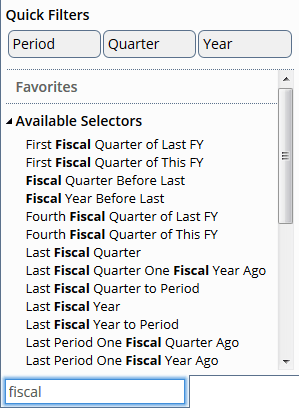
You can type into the search field a selector's value and filter selectors so that only selectors that match the search will appear. In the following screenshots, the selectors are filtered by the search term fiscal.
You can make a selector a favorite by putting a star next to the selector. Selectors with stars appear under Favorites, making them more accessible.
