Defining a Parent-Child Relationship from a Custom Record Type Page
This topic describes how to define parent and child records using the New Field configuration page from a custom record type page. For a general overview of establishing parent-child relationships, see Establishing a Parent-Child Relationship.
To define parent-child records:
-
Create a custom child record as described in Creating Custom Record Types.
-
On the Fields subtab, to define the parent record, click New Field.
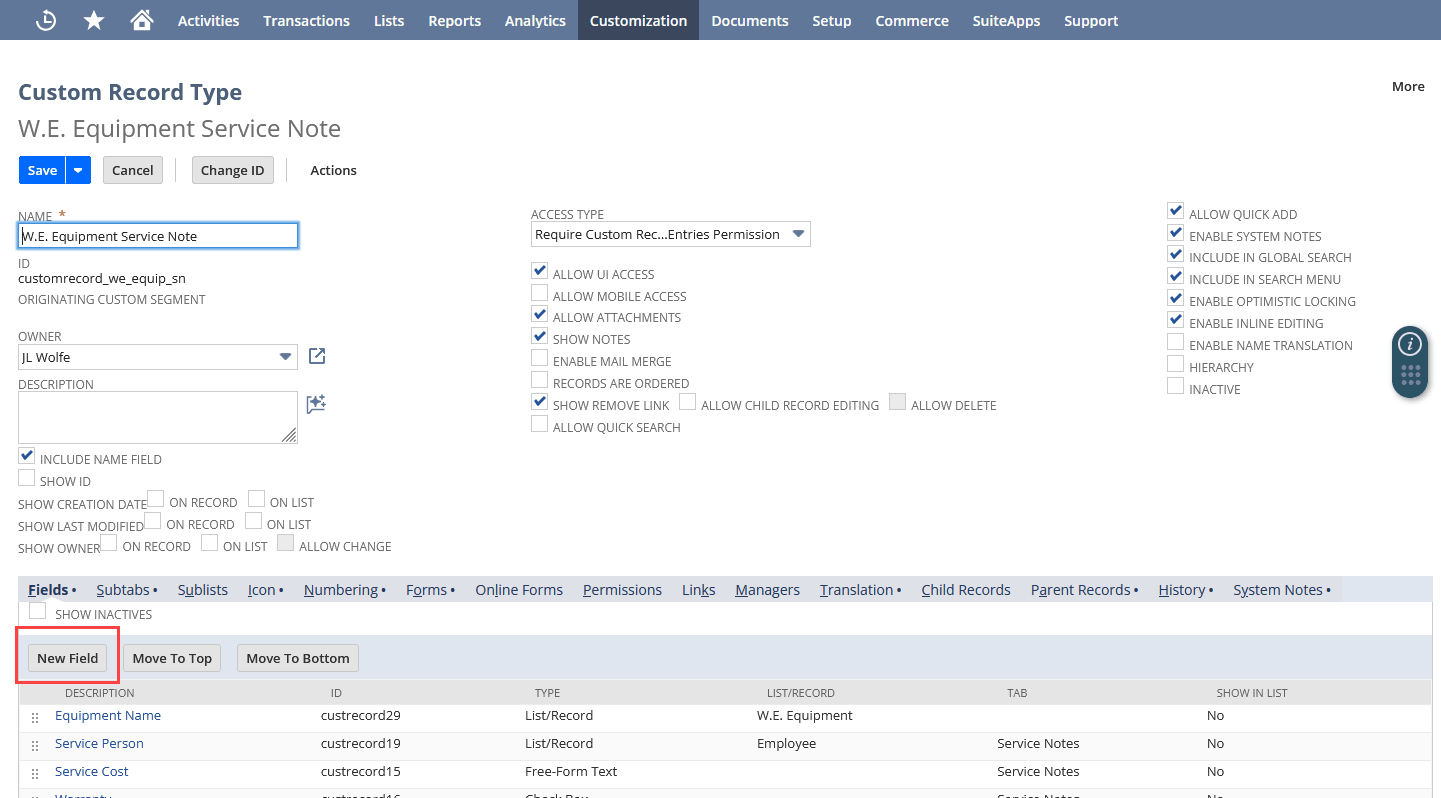
-
Complete the following steps:
-
In the Label field, enter a field name.
-
Select a field type of List/Record or Multiple Select.
-
In the List/Record field, select a record type.
-
Check the Record is Parent box.
The record entered in the List/Record field becomes the parent record of the child record. If applicable, you can define multiple custom fields for multiple child records related to the parent record.
-