Translating a Custom Record Name
This topic describes how to translate a custom record name. For an overview of translation options, see Adding Translations for Custom Records.
You can define translations for a custom record type name (at Customization > Lists, Records & Fields > Record Types) on the Translation subtab of the custom record page:
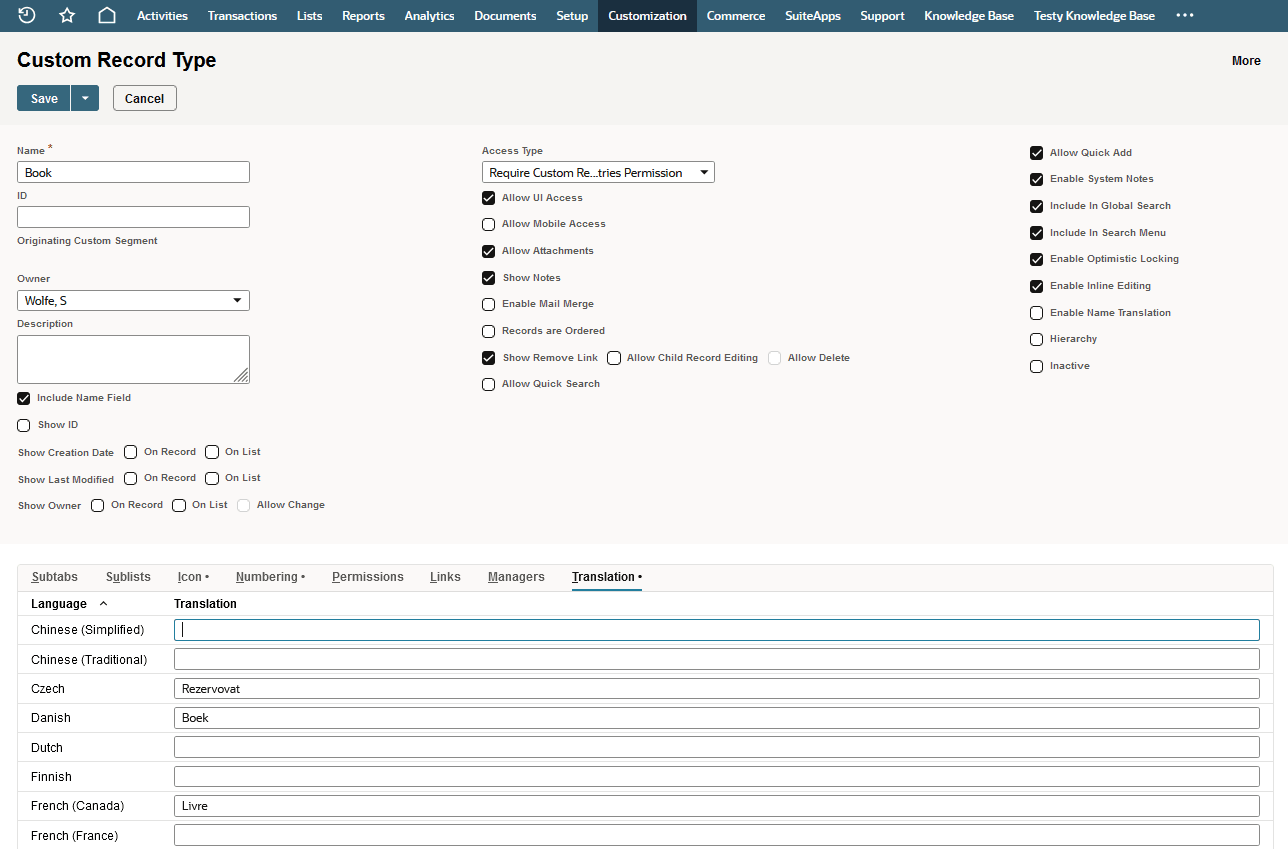
The Name field has a 300-character limit.
Note:
Translated names that are available on a menu are truncated to 128 characters.