Setting Script Parameter Preferences Example
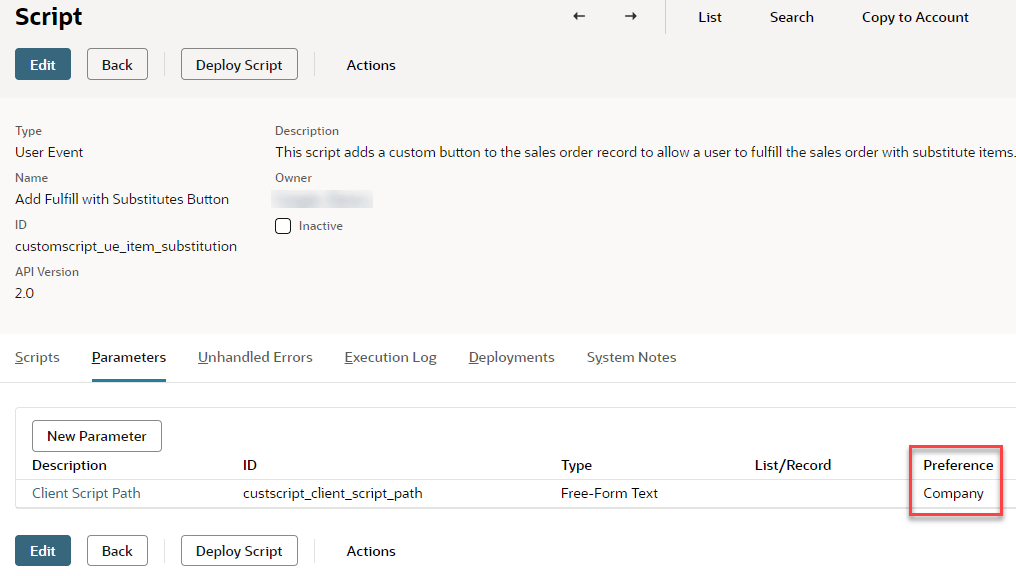
In this example, the Suitelet script includes a parameter called Check Box Required (with the internal ID custscript_checkboxtest2 ), which is set to the Company preference.
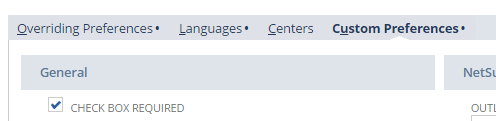
By going to Setup > Company > General Preferences on the Custom Preferences subtab, administrators can set the default value of this parameter for the entire company. In this example, the value of the Check Box Required script parameter is set to T (True, or box checked).
When the Suitelet that contains this box is deployed, Check Box Required is checked.
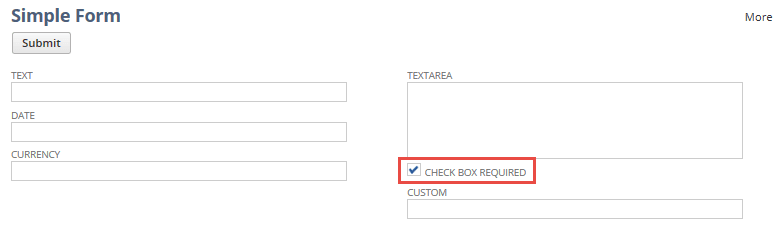
If the Check Box Required parameter had been set to F (False, or box not checked), the box would have been cleared on the form when the Suitelet was deployed.
To create a script parameter, see Creating Script Parameters. For information about accessing script parameter values, see Referencing Script Parameters.