Script Parameter Preferences
When you use script parameters, you can specify a preference type. Available preference types are Company and User or you can choose not to set a preference.
-
Company: For Company preference, the parameter's value comes from the value set in Setup > Company > General Preferences on the Custom Preferences subtab. For an example, see Setting Script Parameter Preferences Example.
-
User: For User Preference, the parameter's value comes from the value set in Home > Set Preference on the Custom Preferences subtab. This lets end users override the company default script behavior and set their own default value. End users can change script parameter values without modifying the script or its deployments.
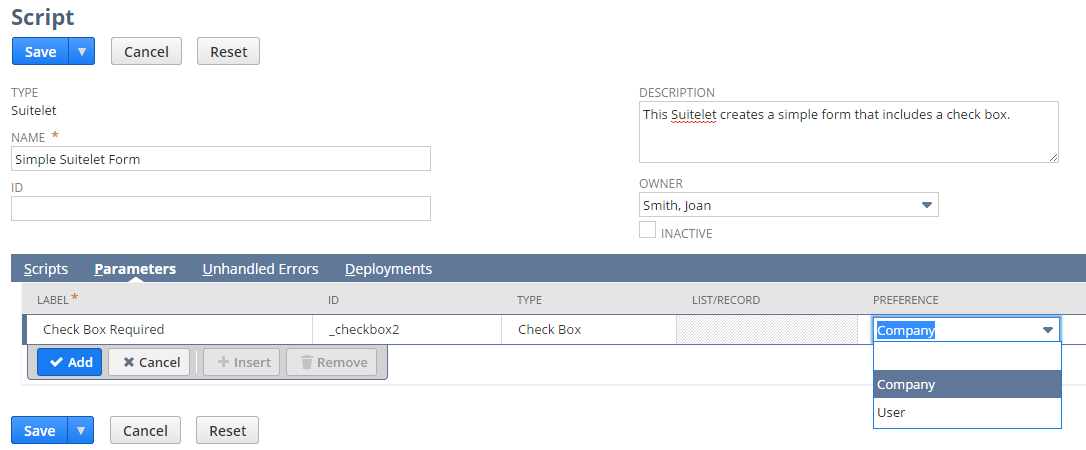
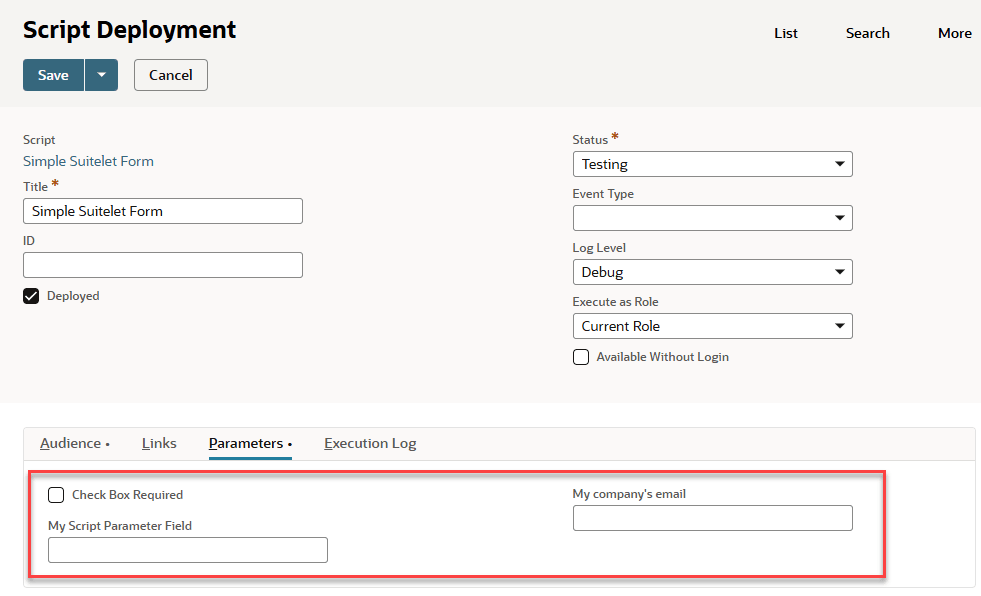
If you don't set a preference, the script parameter is considered a "deployment" script parameter by default. In this case, you define the value of the script parameter on the Parameters subtab of the Script Deployment record.
Note that users who install a bundled script that uses preferences can override the default behavior of the script and customize the script to their specific business needs. Setting preferences eliminates having to manipulate the script code or the script deployment. For more information, see SuiteBundler Overview and Script Parameter Preference Updates in Bundles.