Customizing Report Date Range Filters
Each report has a date selector in its footer that shows the date range or accounting period range for the displayed data. You can use this field to change the report's date range and see different data. For more information, see Choosing a Date or Period Range for a Report.

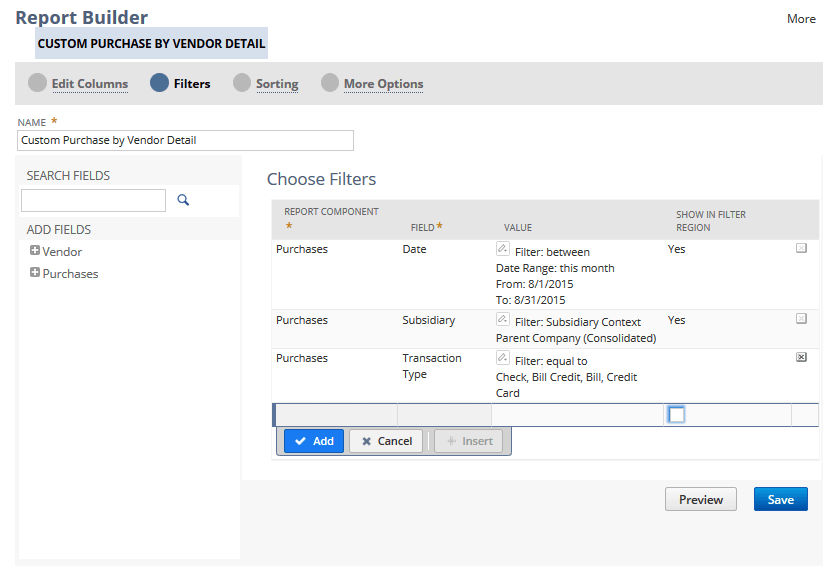
The default date range filter appears on the Filters page of the Report Builder (or Financial Report Builder).