Creating a Dynamic Contact Group
Dynamic groups are defined by search criteria. This means that the membership of a dynamic group changes as new contact records are created that meet your criteria and as existing contact records are edited and no longer meet the group criteria.
To create a dynamic contact group based on customer or other criteria, you should first go to Lists > Relationships > Contacts > Search and create a saved search for the contacts based on fields from customer or other records.
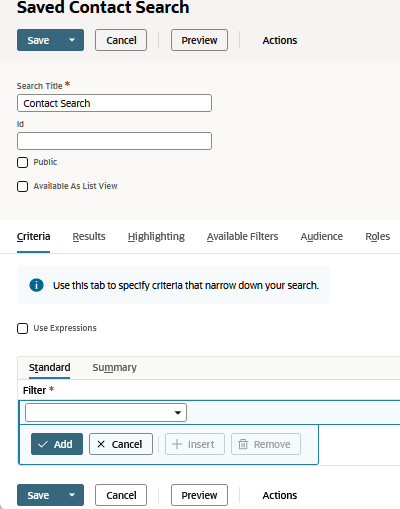
After you've created your saved search:
-
Go to Lists > Relationships > Groups > New, and choose Dynamic.
-
In the dropdown list, select Contact.
-
Click Continue.
-
Enter a name for the group.
-
In the Saved Search field, select the saved search you created.
-
Click Save.